Effective video communication hinges not just on what you say, but how you say it. Research by Albert Mehrabian shows that words alone carry only about 7% of a message’s emotional impact, while 38% comes from vocal tone. In practice, this means a well-modulated, confident voice and deliberate pacing can dramatically improve clarity and engagement. B2B presenters and on-camera talent who master speaking on camera with varied pitch and purposeful pauses convey their ideas more clearly and build trust with viewers.
Why Vocal Tone and Pauses Matter
Vocal energy and pacing can make or break the connection. Even in well-scripted corporate videos, a monotone delivery blunts the impact. By contrast, a warm, expressive tone instantly signals confidence and credibility. As this marketing study notes, “A warm, friendly tone inspires trust, while a confident, authoritative tone conveys credibility”. In other words, vocal modulation is a direct path to audience buy-in. Likewise, strategically placed pauses let important points resonate. Intentional silence highlights key ideas and gives the viewer time to absorb them. (In virtual talks, experts even recommend telling the audience before pausing, for example, “I’ll take a quick sip of water now, then continue” to keep everyone aligned.)
- Clarity: Speak at a steady, moderate speed. Enunciate clearly (even a pen-in-mouth exercise can help sharpen your diction).
- Emotion: Vary pitch and volume to match your message. Raise your tone for emphasis or excitement, and slow down for serious or complex points.
- Trust: Adopt an upbeat, natural tone and smile when you talk. Even unseen, a smile “warms up” your voice and makes you sound approachable.
- Purposeful Pauses: Plan breaks in your delivery. Pauses allow important information to sink in (Teleprompter.com recommends adding 10–15% extra time in your script for natural pauses). In remote settings, give a verbal cue before pausing so the listener doesn’t feel disconnected.
Speaking on Camera: Pacing and Presence
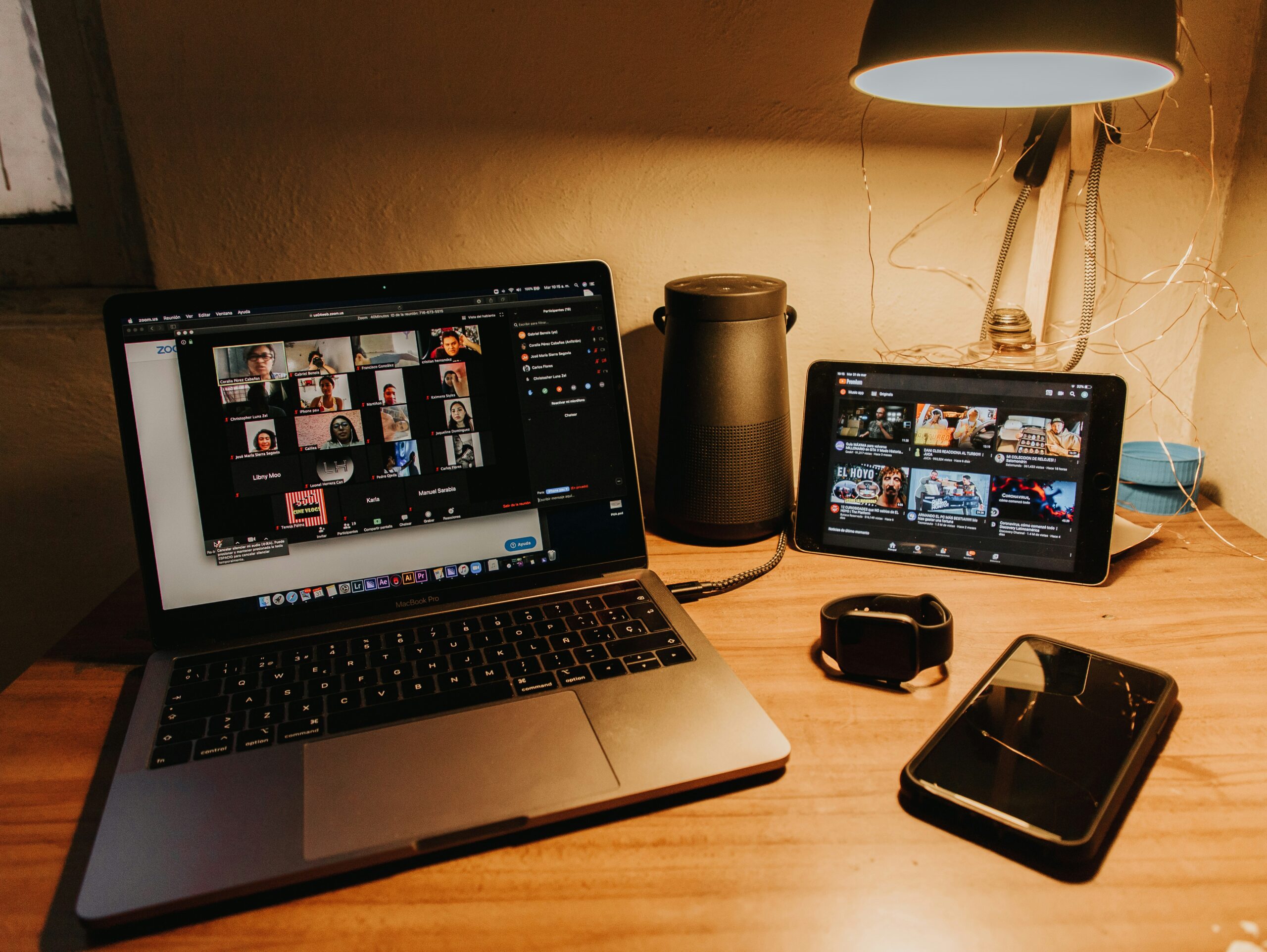
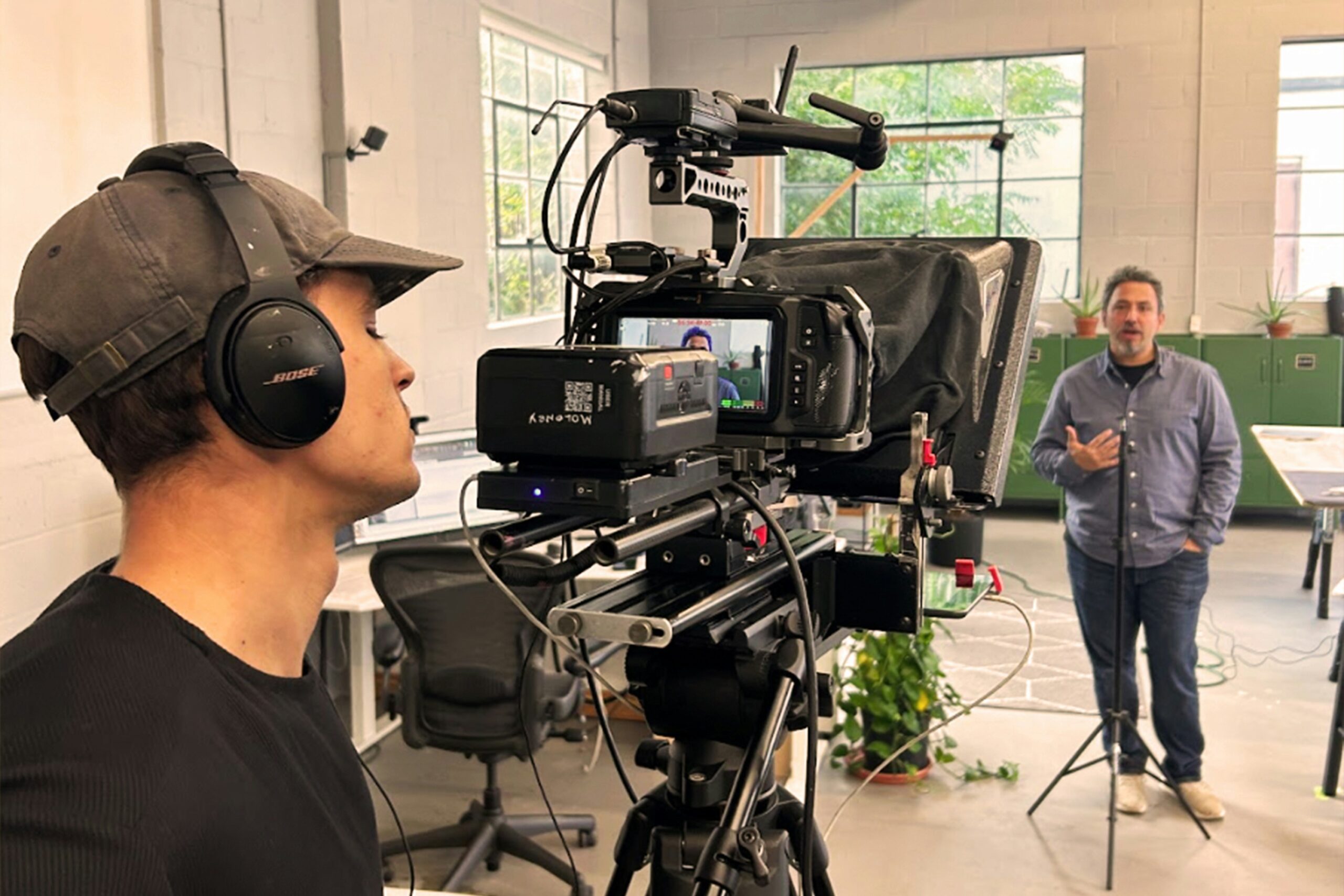
Mastering on-camera speaking is especially crucial for virtual B2B content. In a remote video production shoot, presenters often use basic webcams or smartphones. The hardware may be simple, but professional delivery is still expected. Without physical audience feedback, your voice and face must carry the full emotional weight of the presentation. As Ken Molay notes, when on video “your voice has to do more work… you have to change your pitch and pacing as well as put more energy into your voice”. In other words, treat the camera like a 1-on-1 conversation partner: look directly into the lens, and use your voice actively. Our virtual studio services show that even home setups can yield high-definition video and audio, but it’s up to the talent to bring energy and clarity through tone and timing.
Useful tips include:
- Eye Contact: Actively look at the camera and imagine it’s a person. This builds a personal connection with viewers. Using a teleprompter app can help keep your eyes on the lens if you’re reading a script.
- Pace for the Screen: Speak slightly slower than you would in-person. Virtual audiences often multitask, so intentional pacing (and brief pauses) prevent information overload.
- Interactive Elements: Even if you’re just recording, change your tone more than you might live. Raise your pitch to highlight an important fact, then soften it to conclude a point, according to Toastmasters. This vocal “headline and subtext” approach keeps listeners tuned in.
- Manage Interruptions: It’s okay to pause if you need a second. In fact, viewers appreciate a breath or two between points to think. (Hubspot recommends giving yourself a moment to sip water or collect thoughts as this helps avoid rushed speech and background noise in remote interviews or webinars.)
Tools and Training for a Polished Delivery
Coaching and technology can help B2B presenters hone these skills. Training platforms like Toastmasters offer workshops on virtual presentation skills (covering tone, pacing, and body language). Online courses (LinkedIn Learning, Coursera, etc.) also have modules on engaging on-camera delivery. For script-based work, consider these tools and exercises:
- Teleprompters: Reading a script while maintaining eye contact is now very possible. Such tools scroll your lines near the camera lens, so you deliver smoothly without losing connection. Using a teleprompter ensures a smooth delivery, eliminating awkward pauses and filler words.
- Script Timers: Script timers help you gauge pacing before you even record. You can paste your script and see estimated speaking time, then adjust for ideal speed. This ensures you hit your target length and deliberately build in pauses (even bumping up your timing by ~10–15% for silence).
- Voice Exercises: Simple warm-ups (deep diaphragmatic breathing, gentle humming, or stretching your range up and down) improve projection and tone. Staying hydrated and relaxed also keeps your voice clear. Before a take, spend a few minutes on these exercises to avoid strain.
- Mock Recordings: Practice runs are invaluable. Record yourself on camera and play it back. Note monotone spots or rushed sections. Self-review is a quick form of coaching. (For example, if you notice filler words, a trick like talking with a pen in your mouth for a few minutes per day can dramatically sharpen articulation.)
These techniques complement professional video services. At Brios Media, we emphasize clear, conversational messaging. When we script and shoot a how-to or training video, we coach presenters to break scripts into manageable chunks and pause naturally. That way, the final edit flows as if you’re speaking one-on-one, capturing attention and trust.
Actionable Tips: Preparing On-Camera Talent
- Rehearse with Purpose: Don’t just memorize words, practice how you’ll say them. Mark up your script with emphasis cues or notes like “slow down” and “pause”. As this guide suggests, reading your actual script out loud during writing helps spot stiff sections.
- Mind Your Setting: Record in a quiet, well-lit space. Clear audio lets your tone shine without distraction. Even a lapel mic makes a big difference over built-in camera sound.
- Breathe and Relax: Combat nerves by taking slow breaths before and during speaking. It controls pacing and keeps your voice steady. If nerves spike, pause for a breath. It won’t hurt the message.
- Get Feedback: Have a colleague or coach listen and offer feedback on your tone and pace. Fresh ears often spot monotony or filler words that you miss. Iterating with feedback is the fastest way to improve.
Partner with Brios Media for Polished On-Camera Delivery
Brios Media helps you amplify the power of vocal tone and timing in every video. Whether you need remote video production services, teleprompter coaching, or personalized on-camera training, our team is here to guide you. We work with marketing professionals to ensure your corporate, promotional, or training videos are delivered with confidence and clarity.
Ready to boost your message’s impact? Contact us for a consultation, let’s craft compelling on-camera performances that resonate with your audience and build trust.